


A couple shows you a photo on their phone from another wedding. The guest in it is on a magazine cover, complete with a title, names and a date. Until now, offering this usually meant a separate enclosure that you had to buy, transport and store somewhere. Fotillo PhotoBox creates the same cover with the camera and printer you already have.
The new version of the software with PhotoBox is available to download now at builder.fotillo.com. It includes a screen theme and 2 ready-made covers. You need a backdrop, a camera, a Windows 11 computer and an A4 printer.
Setting up takes as long as putting up the backdrop and tripod. You don’t carry another large structure into the venue. After the party, you don’t have to find room in the garage for an enclosure.
How PhotoBox works: from photo to A4 cover
The guest stands in front of the backdrop. On the screen, they choose one of 2 covers: “The Event of the Year” or “Big Love”. A Canon EOS camera or a USB camera takes the photo, and the software places it straight into the portrait A4 cover template.
The cover comes out of the printer on the spot. The guest gets a print the size of a real magazine, not a small photo strip. It’s easy to take a cover like that back to the table and show it to the family.
Every cover has a QR code. The guest scans it with their phone and downloads the photo through Fotillo Cloud. Fotillo Cloud covers one photo booth at no charge and with no time limit.
It works without internet. Taking photos and printing don’t need a connection, so covers keep printing in a venue with no signal. You only need internet when a guest downloads their photo via the QR code.
The setup is simple: camera, printer and sharing. With PhotoBox, guests don’t pay for prints. You print the covers as part of the service you agree with the organiser.
Labels in F3: a cover made for each event
Every cover has 4 text fields. You fill them in before the event in the software, under the F3 key. You don’t need a designer, and you don’t edit the template.
- Magazine title – “FOTILLO” in the template; you enter the couple’s surname, the company name or the event name.
- Subtitle – “Fotillo Magazine” in the template; you enter, for example, the issue name or the venue.
- Names – “Anna & Tom” in the template, for the couple or the person celebrating.
- Date – “12.06.2027” in the template, for the date of the event.
On Saturday, you enter the couple’s names and the wedding date. On Thursday, before a corporate event, you change the title to the company name. The same template gives you a different cover, with no new file.
The label text is also saved in the JPG metadata as keywords. After the season, you can find photos from a specific event by names or date. That helps when a couple asks months later for a file they never downloaded.
Screen colours and your own covers
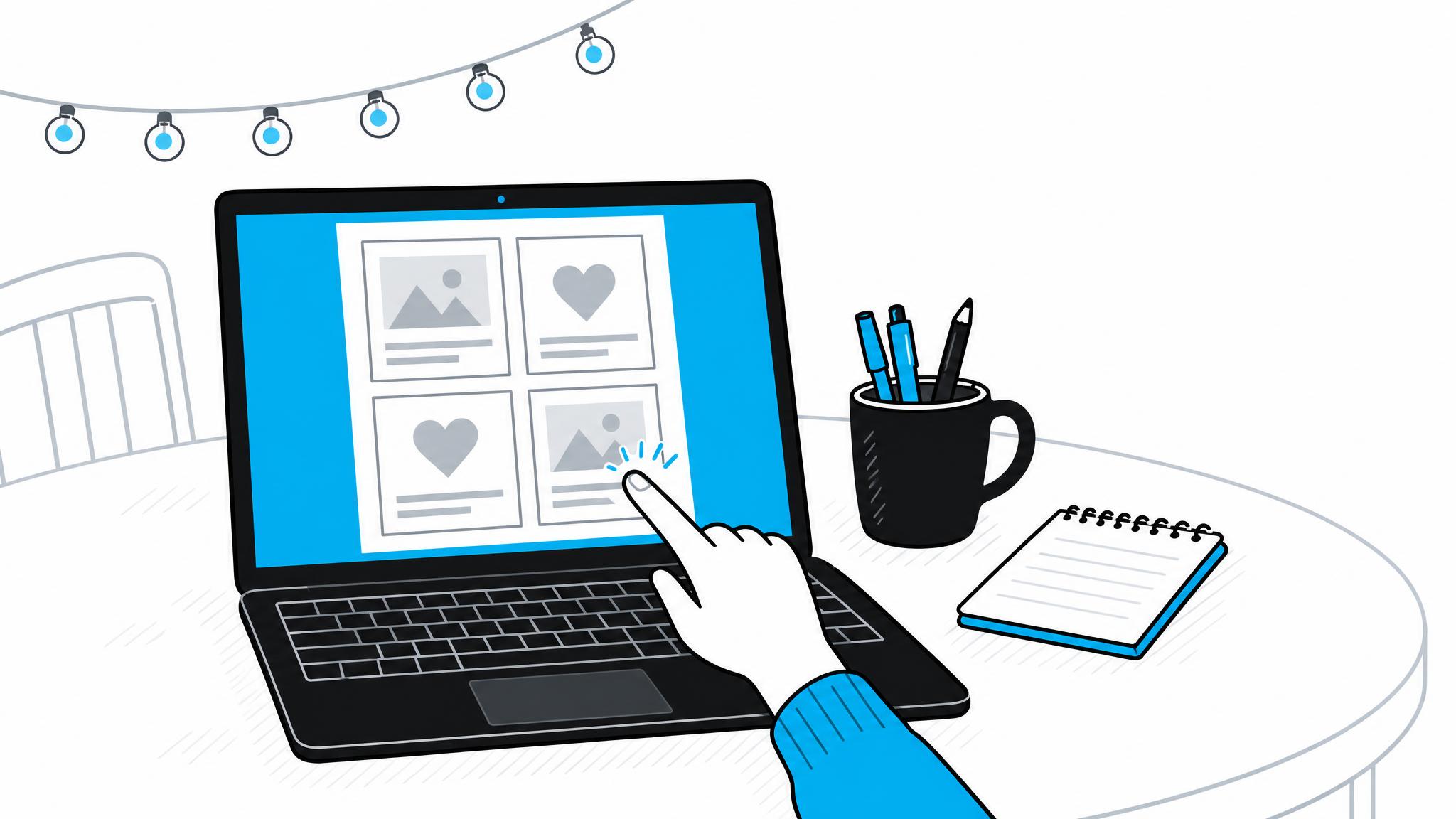
PhotoBox has its own screen colours, matched to the covers: the cover red, the black of the title and warm greys on a champagne background. The guest sees the magazine on screen before the photo is taken.
You change the colours in the F4 menu. There are 4 to set: accent (buttons and highlights), headings, on-screen text and borders. You can match them to the wedding colours or the client’s brand. All settings are described in the F4 configuration menu manual.
If 2 covers aren’t enough, you can design your own in the browser, in Fotillo Editor. Designing and test exports cost nothing. A finished print-ready template costs from €0.76 net, and downloading it again costs nothing.
If an agency orders a cover with its client’s logo, you design it once and use it at that company’s next events. We show the process step by step in our article on how to design a photo booth template.
Enclosure or software: two routes to the same print
A magazine cover enclosure has its advantages. It brings its own lighting, a closed space and the feeling of stepping into a studio. For some clients, that setting is an important part of the attraction.
PhotoBox gets to the same print by a different route. You use equipment you already have: a camera, an A4 printer and a Windows 11 computer. You bring a backdrop and a tripod into the venue, not another structure.
- Equipment: an enclosure is a separate purchase, while PhotoBox runs on the camera and printer you already have.
- Transport and space: an enclosure is another large item in the car and at the venue; with the software, you only add a backdrop.
- Personalisation: with an enclosure, it depends on the manufacturer; with PhotoBox, you have 4 labels in F3, colours in F4 and your own covers in Fotillo Editor.
- Digital copy: with an enclosure, it depends on the manufacturer; with PhotoBox, there’s a QR code on every cover.
- Trying before you buy: you can test the software in DEMO mode on your own equipment, at no cost.
An enclosure works well where the client wants a closed studio. The software has the edge when setup time, space at the venue and the cost of launching a new service matter.
What the software costs and how to work out the cost of covers at one wedding
You pay for the software per print. A package of 700 prints costs from €8 net, with no subscription. Unused prints don’t expire, and larger packages of 1,400 and 2,800 prints come with 10% and 20% discounts.
At €8 net, one print works out at about €0.011 net. A wedding where you print 100 covers costs you about €1.14 net in software. Paper and A4 printer supplies are a separate cost, based on your supplier’s price list. You’ll see the exact price of your version in the configurator before you download it.
An enclosure brings costs that the software doesn’t:
- buying the enclosure and the number of bookings needed to pay it off,
- transport: a bigger vehicle and sometimes a second person to help carry,
- time spent setting up and taking down at the venue,
- storage space in a warehouse or garage between events.
Time has a price too. A shorter setup means a calmer start before guests arrive and a quicker trip home after the party. A small kit fits even in a cramped venue where there’s no room for an enclosure. In the quiet season, the software costs you nothing. Pay for prints, not for months.
Getting started: configurator, DEMO and your first wedding
You build your PhotoBox version in the configurator at builder.fotillo.com. You choose the device, features, theme and language. We describe the whole process in our article on the photo booth software configurator.
Before you buy, you can test the software in DEMO mode on your own equipment. DEMO has no time limit, and prints carry a trial version mark. The download link from the configurator is valid for 1 day, so download the package straight away.
Do a test run at home. Connect the camera and the A4 printer, enter the labels in F3 and print a few covers. Scan the QR code with your own phone. You’ll go to your first wedding with a kit that has already been through the whole process.
We’re upfront about the limitations. The software only runs on Windows 11, and there’s no Mac version. The activation code is tied to the computer’s ID number. We don’t rent the software out for a single event, but the smallest package is enough for several events.
Frequently asked questions
Does PhotoBox work on a Mac?
No. The software only runs on Windows 11, and there’s no version for Mac, iPad or Android. If you work on a Mac, you’ll need a separate Windows 11 laptop at the booth.
Do I need internet at the venue?
Not for taking photos or printing. PhotoBox takes the photo and prints the cover without internet. You only need a connection when a guest downloads their photo via the QR code on the cover.
Can I buy photo booth software for just one wedding?
We don’t rent the software out for a single event. The smallest package is 700 prints from €8 net, and it’s enough for several events. Unused prints don’t expire, so you can use the rest next season.
Can I replace the cover with my own?
Yes. You can change the title, subtitle, names and date in F3 without a designer. You can design a completely new cover in the browser, in Fotillo Editor: designing costs nothing, and a finished print-ready template costs from €0.76 net.
Try PhotoBox on your own equipment
Configure your PhotoBox version at builder.fotillo.com and test it in DEMO mode before you buy. You’ll find more about the software at fotillo.com.
