

Fotillo PhotoMirror – photo mirror software
Software for a photo mirror — a vertical touch screen where the guest sees themselves full length. Animations guide them instead of a static preview.
A mirror that tells the guest what to do
A photo mirror is not a photo booth turned on its side. The guest stands in front of a large screen and sees themselves full length, while animations lead them through the session — appearing on screen, showing the pose, counting down. The defaults are prepared for a 65-inch screen hung 35 cm above the floor.
What it does
How it differs from the other versions
The photo mirror is a separate device in the configurator, not a variant of the booth — it has its own screen layout and animation mode switched on. If you have a classic cabin, take Fotillo PhotoBooth. If the mirror should charge for photos, tell us — payments are switched off by default in this version.
Photos and the internet
In the default set the mirror needs no internet at all — the photo is written to disk and goes straight to the printer. If you add sharing, the file travels to the Cloud in the background and the guest gets the code immediately, no matter how fast the venue’s connection is.
How to download the free DEMO
How to unlock the full version
The mirror prints up to three copies per session, so pick the pool of prints with some room to spare. You buy the code in the Tokens section; it is tied to one computer, and the configurator shows the price as you tick the functions.
Templates and appearance
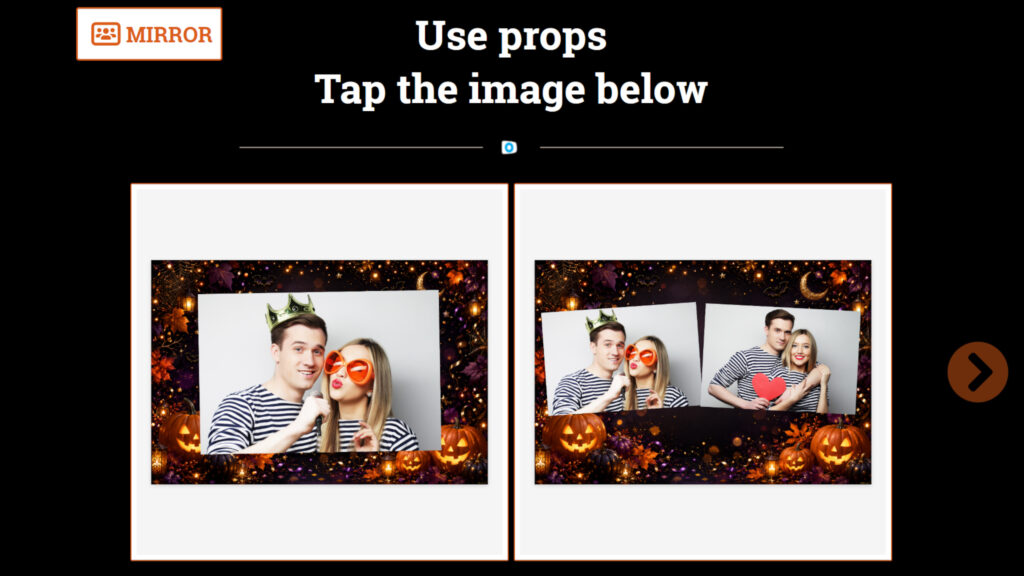
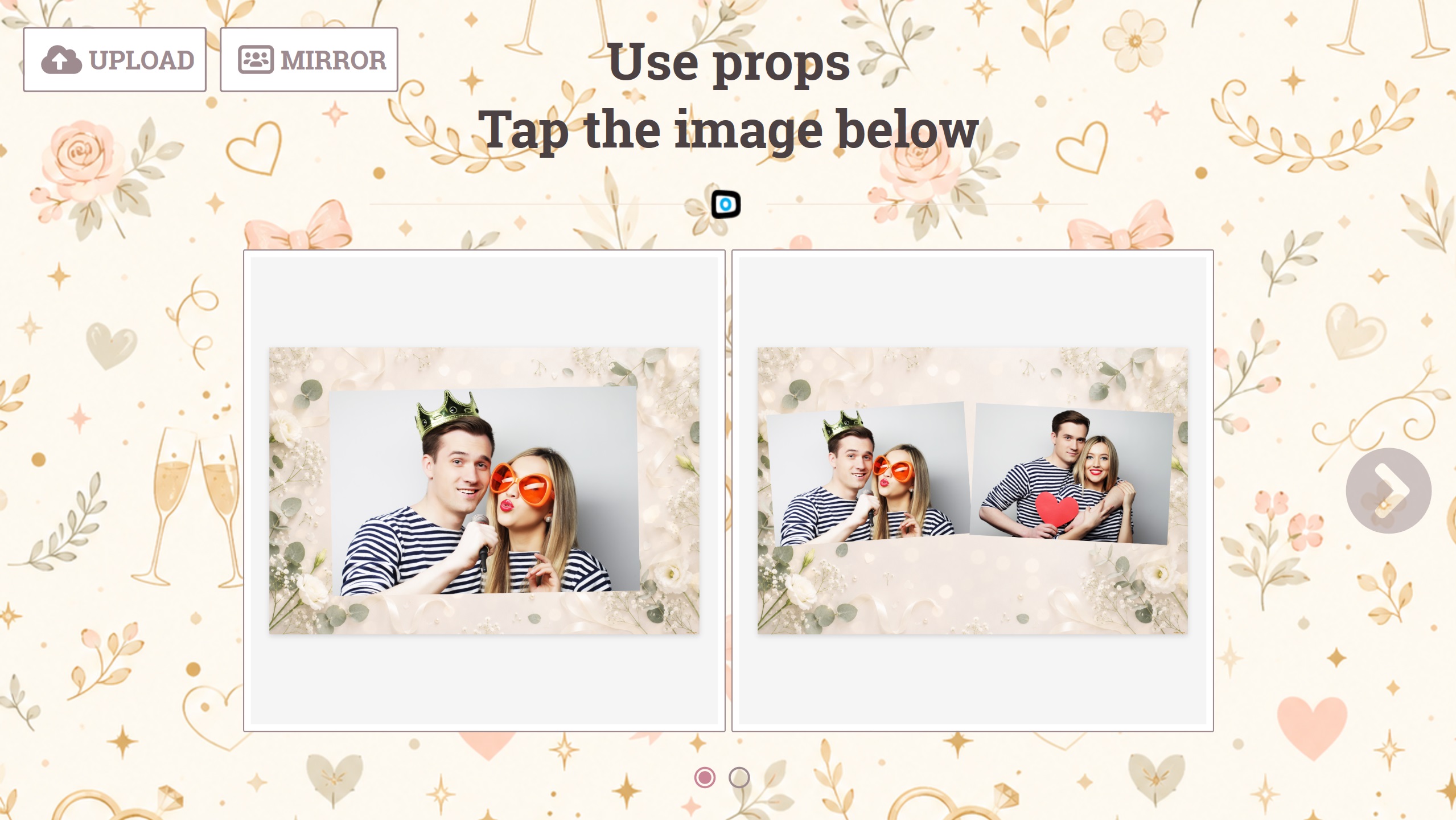
Mirror templates are portrait — a collage from a cabin turned on its side will not work. You will find more designs in the Templates section, and you can build your own in the template editor — a browser tool where you lay out the frames, add a background and captions, then upload the finished file to the device. No graphics software needed.