Fotillo PhotoBooth Basic – the simplest photo booth software
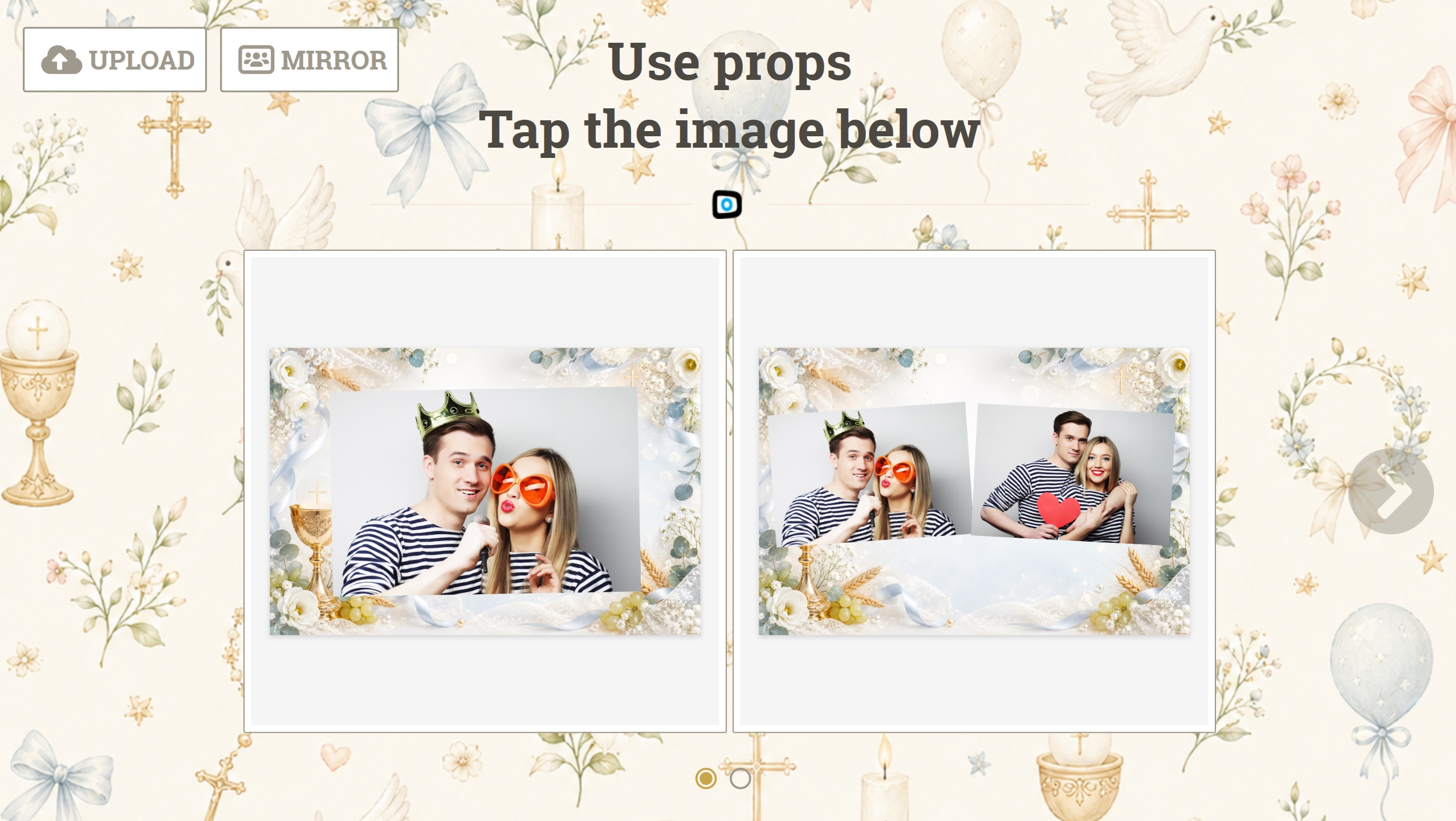
A photo and a print, nothing else. The smallest set of functions and therefore the lowest price for the activation code. Good to start with, and for a booth that simply has to print.

Get the free DEMO
Category:

A photo, a print, and that is that

Not every booth has to send photos out into the world. This one does a single thing: it takes pictures and prints them. No internet, no QR codes, no explaining to guests how to collect a file. Fewer functions also means a cheaper code — the configurator shows it straight away.

What it does

Countdown and collageA live preview, a countdown, a series of shots assembled from a template. A bad shot can be retaken.
A print, and nothing moreThe photo comes off a dye-sublimation printer. The program tracks how much paper is left.
Works without a networkWith no sharing you need no connection. The booth runs where there is neither signal nor Wi-Fi.
The cheapest codeThe price of the activation code follows the ticked functions, and here there are only two.
Room to growOnce the booth catches on you add sharing or payment in the configurator — without changing the device.

How it differs from the other versions

This is the photo booth with sharing unticked. If the guest should get the photo on their phone, take Fotillo PhotoBooth. If the booth should charge for it — Fotillo PhotoBooth Vending.

Photos and the internet

This version does not use the Cloud and needs no internet to work. A connection is useful only if you want reports, or if you later add sharing.

How to download the free DEMO

2Choose the device Event photo booth.
3Choose a theme: twelve occasions to choose from, or the classic no-occasion look.
4Tick the functions: Camera / EOS camera, Printer (Citizen / DNP).
5Enter your e-mail address and download the package. The program starts in DEMO mode — it runs with no time limit, and prints carry a trial-version mark.

Open the configurator

How to unlock the full version

With two functions the activation code is the cheapest in the whole family. You buy the code in the Tokens section; it is tied to one computer, and the configurator shows the price as you tick the functions.

Templates and appearance

Since the photo lives only on paper, the collage template is the one thing that tells your print apart from anyone else’s. You will find more designs in the Templates section, and you can build your own in the template editor — a browser tool where you lay out the frames, add a background and captions, then upload the finished file to the device. No graphics software needed.
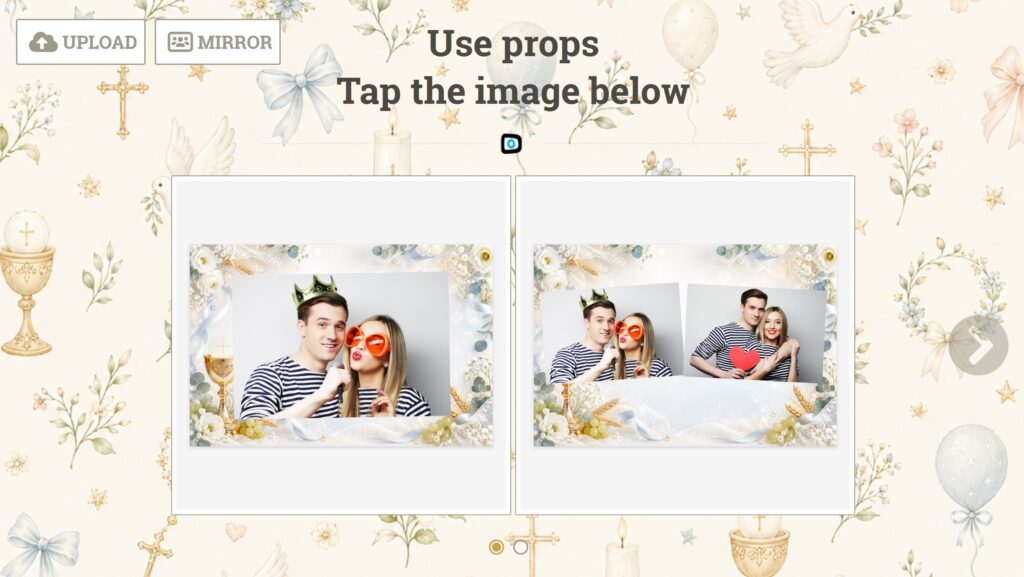
Sample collages from the templates included in this version

Where to look next

Supported devices

CameraCanon EOS DSLR and mirrorless bodies supported through the Canon EDSDK. A USB camera works too — image quality then depends on the camera.
PrinterDye-sublimation Citizen CY and CY-02, DNP DS-RX1 and DS-RX1 HS — with these the program reads the paper level and warns you before it runs out. It will also print on any printer set as the Windows default, but without media status.
ScreenA touch monitor. Screen layout, margins and on-screen keyboard position are adjusted in the service menu.
SystemWindows 11, 64-bit. Network functions — photo sharing, the Album, reports — need an internet connection.

Main Menu