


Fotillo BoxBooth – photo box software
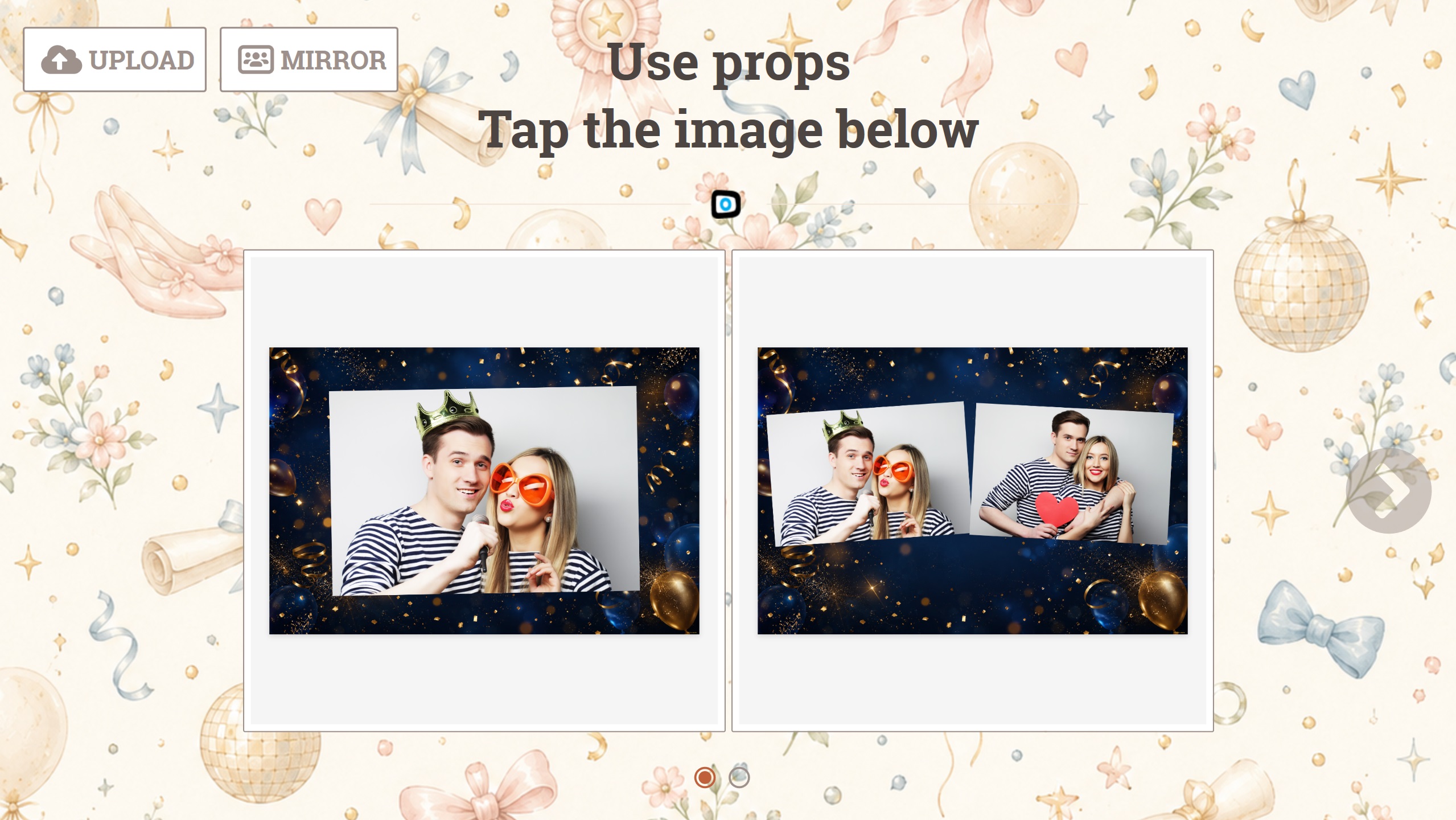
The version for a closed cabin that stands at a party all evening. Photos, printing, sharing and an animation on screen between one session and the next.
A cabin that invites people in by itself
A photo box stands in the corner of the room for hours, and for most of that time nobody is near it. This version puts the gaps to work: between sessions the screen does not go dark, it runs an animation or a clip that pulls the next guests in.
What it does
How it differs from the other versions
What sets it apart from the plain booth is the animation between sessions; from the earning version — no payments. If the cabin should take money, use Fotillo PhotoBooth Vending. If you do not need the animations — Fotillo PhotoBooth.
Photos and the internet
The photo is written to disk immediately and travels to the guest through the Cloud in the background. The queue in the room never waits for the connection.
How to download the free DEMO
How to unlock the full version
Animations use no prints, so the pool from the code goes down more slowly than you might expect. You buy the code in the Tokens section; it is tied to one computer, and the configurator shows the price as you tick the functions.
Templates and appearance
A cabin suits templates with a strong frame — a photo box picture should be recognisable at a glance. You will find more designs in the Templates section, and you can build your own in the template editor — a browser tool where you lay out the frames, add a background and captions, then upload the finished file to the device. No graphics software needed.
Fotillo Cloud — what is free and what costs extra
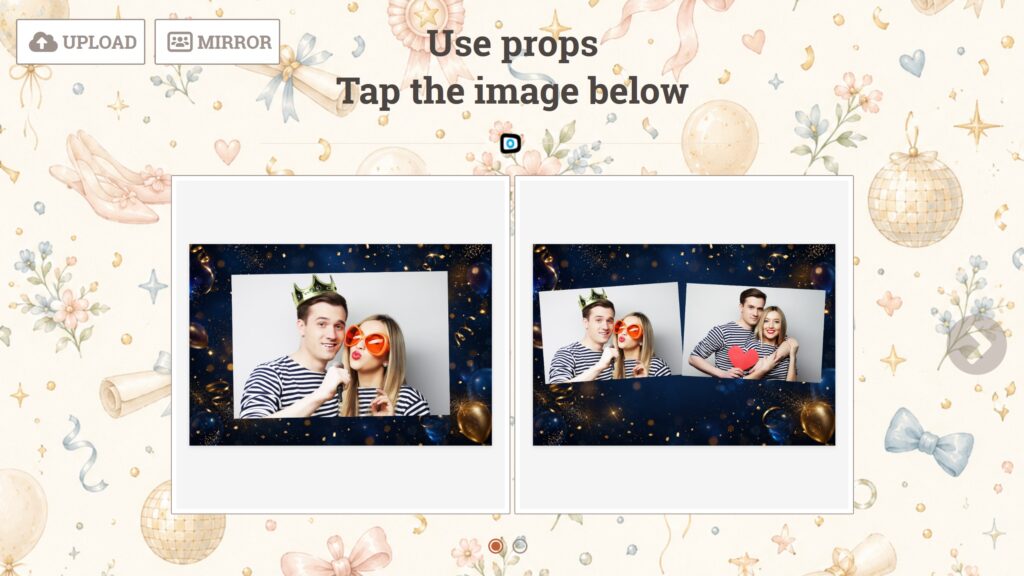
A retro cabin makes an impression on the spot; the photo page extends it onto the guest’s phone. Cloud costs nothing in its basic form: one device, photo sharing works from day one, without personalisation and without events. For a fee the page the guest opens after scanning the code carries your logo, background and links instead of ours, and the Album gathers every photo from the party — a package gives it capacity and time online.
