

Fotillo SharingBooth – photo sharing without printing


A photo booth with no printer. The guest gets the photo by QR code or e-mail, and every shot lands in a shared album. No paper, no consumables.
A photo booth with no paper, no ribbon and no queue for prints
At a conference, in a club or on a trade stand a printer is often beside the point. SharingBooth takes photos and hands them straight to the guest. No paper to buy, no ribbon to change.
What it does
How it differs from the other versions
This is the photo booth without a printer. In the configurator you get there the same way as to the printing set. If a print should come out after all, start with Fotillo PhotoBooth. If the booth should charge — with Fotillo PhotoBooth Vending.
Photos and the internet
Here the network is the photo’s only route to the guest, so Fotillo Cloud is essential. The QR code appears on the booth at once. The guest can scan it before the upload finishes.
How to download the free DEMO
How to unlock the full version
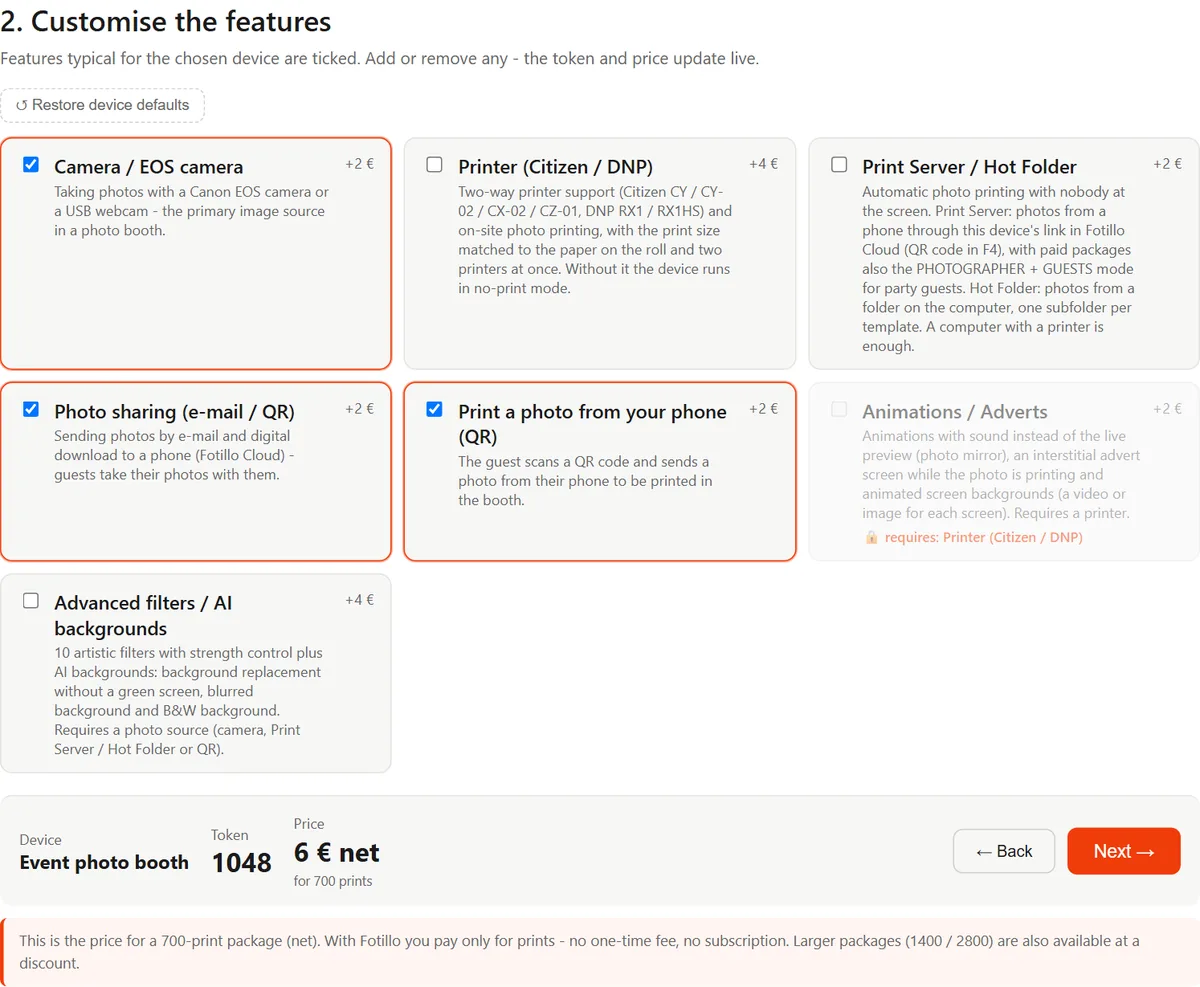
With no printer there is no paper or ribbon to buy. The print package is often the only fixed cost of this set. You buy the activation code in the Fotillo shop, with a package of 700, 1400 or 2800 prints. The two larger packages carry a 10% and 20% discount. There is no subscription, and unused prints never expire. The configurator shows the package price as you tick the functions.
Before you buy
- The program runs on Windows 11. There is no version for Mac, iPad or Android.
- We tie the code to your computer’s number. Prints cannot be moved to another computer.
- We do not rent the program out for a single event. The smallest package lasts several events, and prints never expire.
- You secure the device with Windows settings. The manual shows how.
Templates and appearance
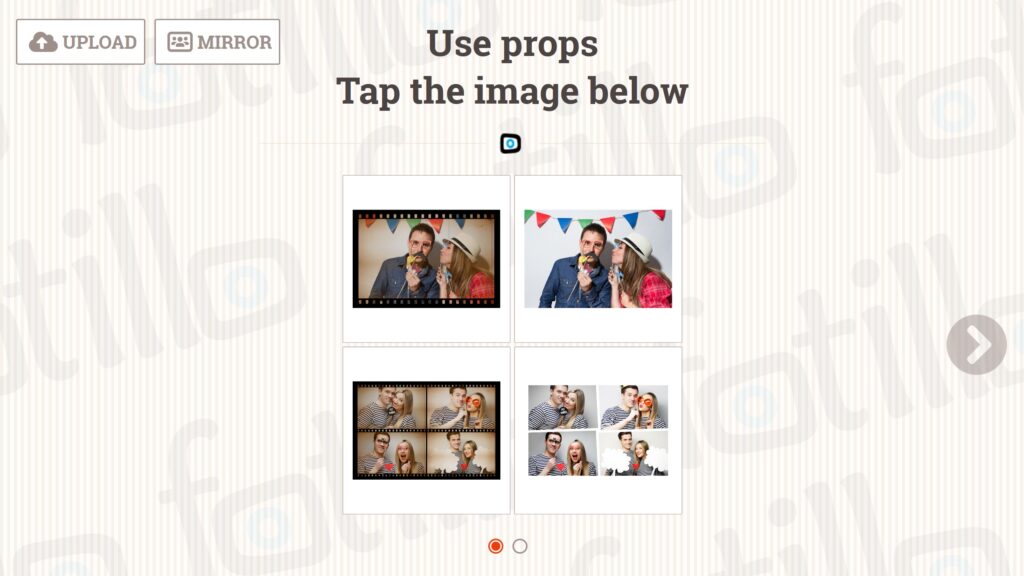
The collage template works as in the printing set. The guest sees it on a phone, not on paper. You will find more designs in the Templates section. Build your own in the browser, in Fotillo Editor: lay out the frames, add a background and captions. No graphics software needed. Designing costs nothing; a print-ready template costs from €0.76 net.
Fotillo Cloud — what is included and what costs extra
The photo page is all the guest takes away, so it is worth making it look like yours. Fotillo Cloud costs nothing in its basic form. You get one device and photo sharing from day one, without personalisation or events. For a fee, the page the guest opens from the code carries your logo, background and links. Fotillo Album gathers every photo from the party, and a package gives it capacity and time online.
