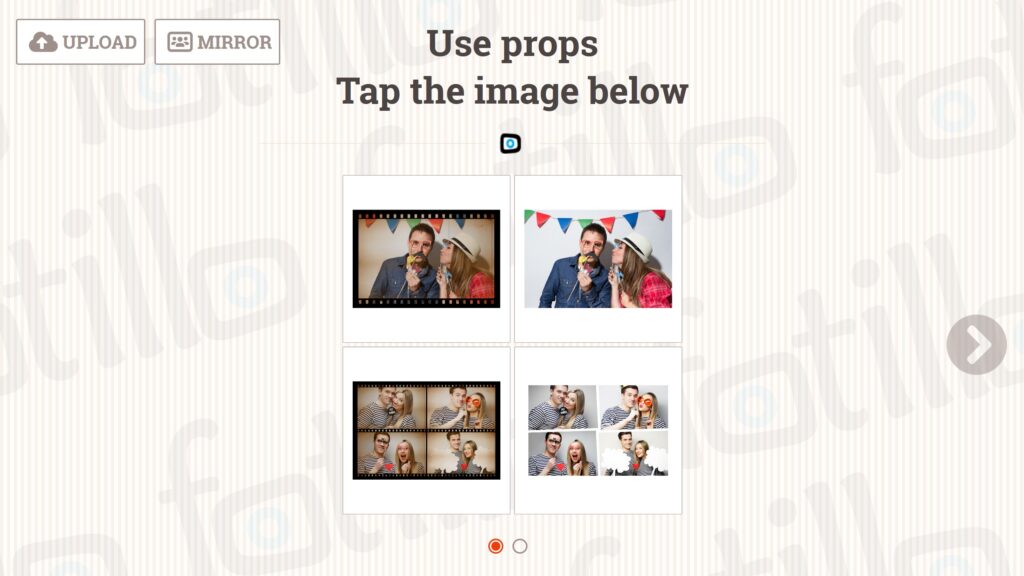


Fotillo Hot Folder – hot folder photo printing software
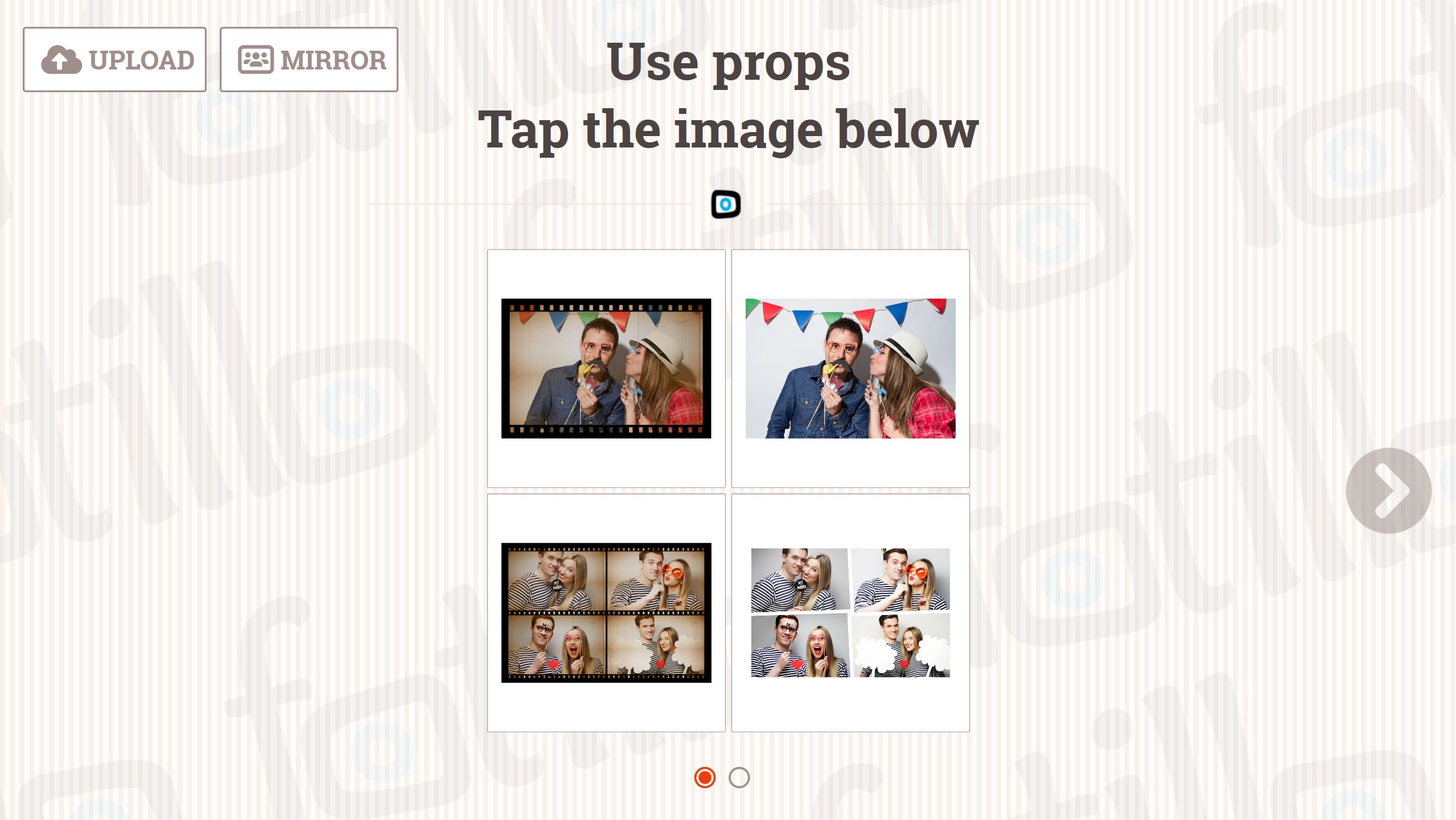
You copy photos into a folder on the computer and the program builds the template and prints. It runs in the background while you keep working.
Copy photos into a folder, the printer does the rest
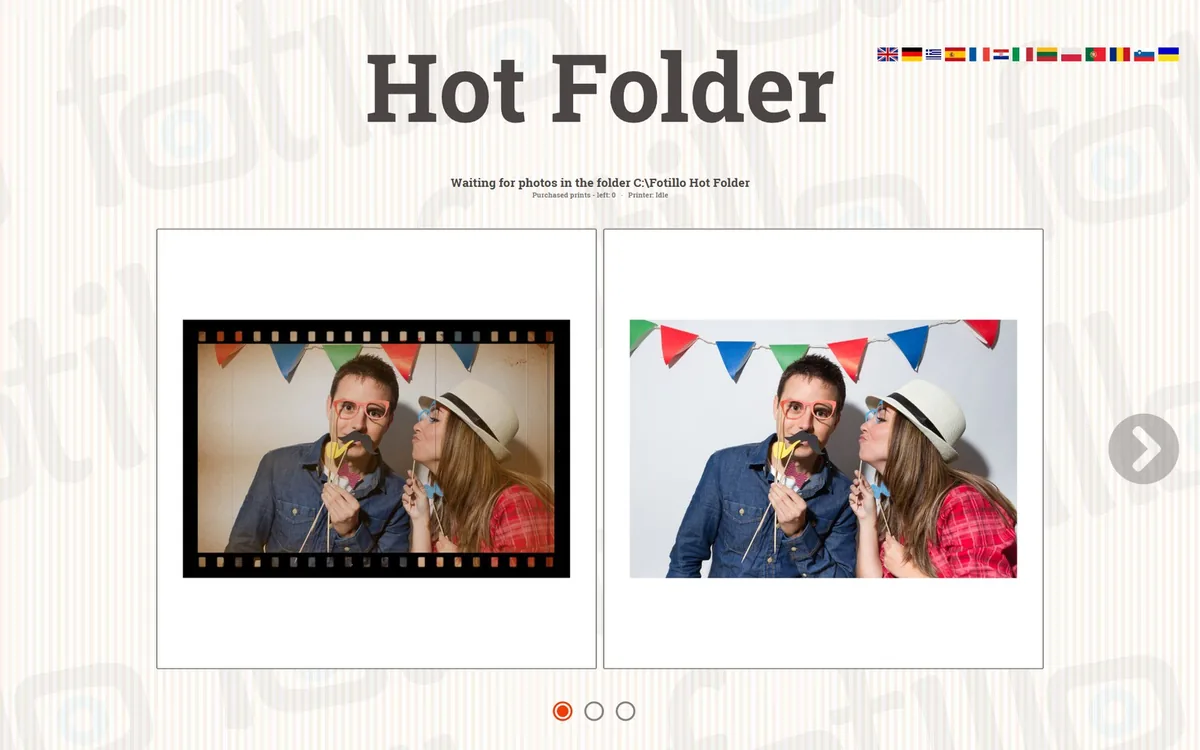
Hot Folder is a folder on the computer that the program keeps watching. You copy photos into it from a card or from editing software. Fotillo builds the template and prints without anyone touching the screen. Prints on the spot for a photographer, a studio or a photo shop.
What it does
How it differs from the other versions
Here photos come from a folder on the computer and nobody has to click anything. If the photographer should send photos from a phone, start with Fotillo Print Server. If guests should pick photos on screen — with Fotillo EventPrint.
Photos and the internet
Hot Folder works locally: the folder, the program and the printer are on one computer. Printing needs no internet.
How to set it up
The package sets the folder C:Fotillo Hot Folder, which the program creates itself. Change the path in the F4 menu, Hot Folder section. A whole drive, Pictures, the Desktop or the program’s own folders are refused. On a computer with an earlier Fotillo, press DEFAULT in F4.

How to download the free DEMO
How to unlock the full version
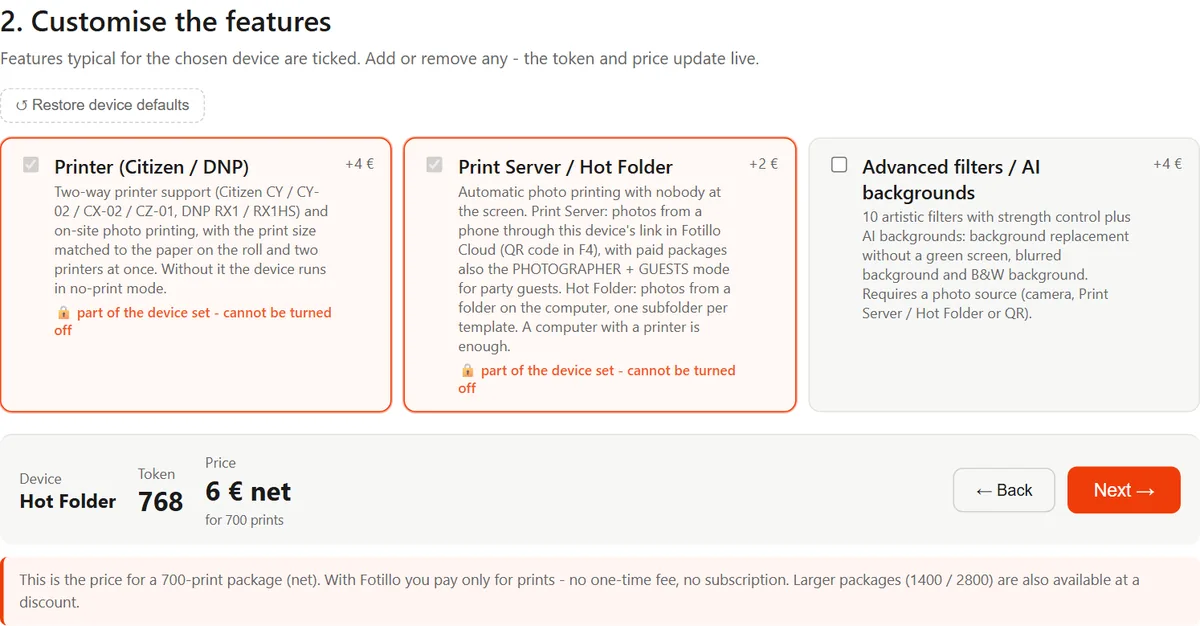
Every print reduces the package counter, as with camera photos. You see it in the status bar. You buy the activation code in the Fotillo shop, with a package of 700, 1400 or 2800 prints. The two larger packages carry a 10% and 20% discount. There is no subscription, and unused prints never expire. The configurator shows the package price as you tick the functions.
Before you buy
- The program runs on Windows 11. There is no version for Mac, iPad or Android.
- We tie the code to your computer’s number. Prints cannot be moved to another computer.
- We do not rent the program out for a single event. The smallest package lasts several events, and prints never expire.
- You secure the device with Windows settings. The manual shows how.
Templates and appearance
Every template gets its own subfolder, so load only the layouts you really print from. You will find more designs in the Templates section. Build your own in the browser, in Fotillo Editor: lay out the frames, add a background and captions. No graphics software needed. Designing costs nothing; a print-ready template costs from €0.76 net.