A coin unit is not just the cost of the hardware — it is also somebody who has to empty it, count it and drive it to the bank. In places where nobody pays cash anyway — an office building, a conference centre, a university, a hotel — you can skip all of that.
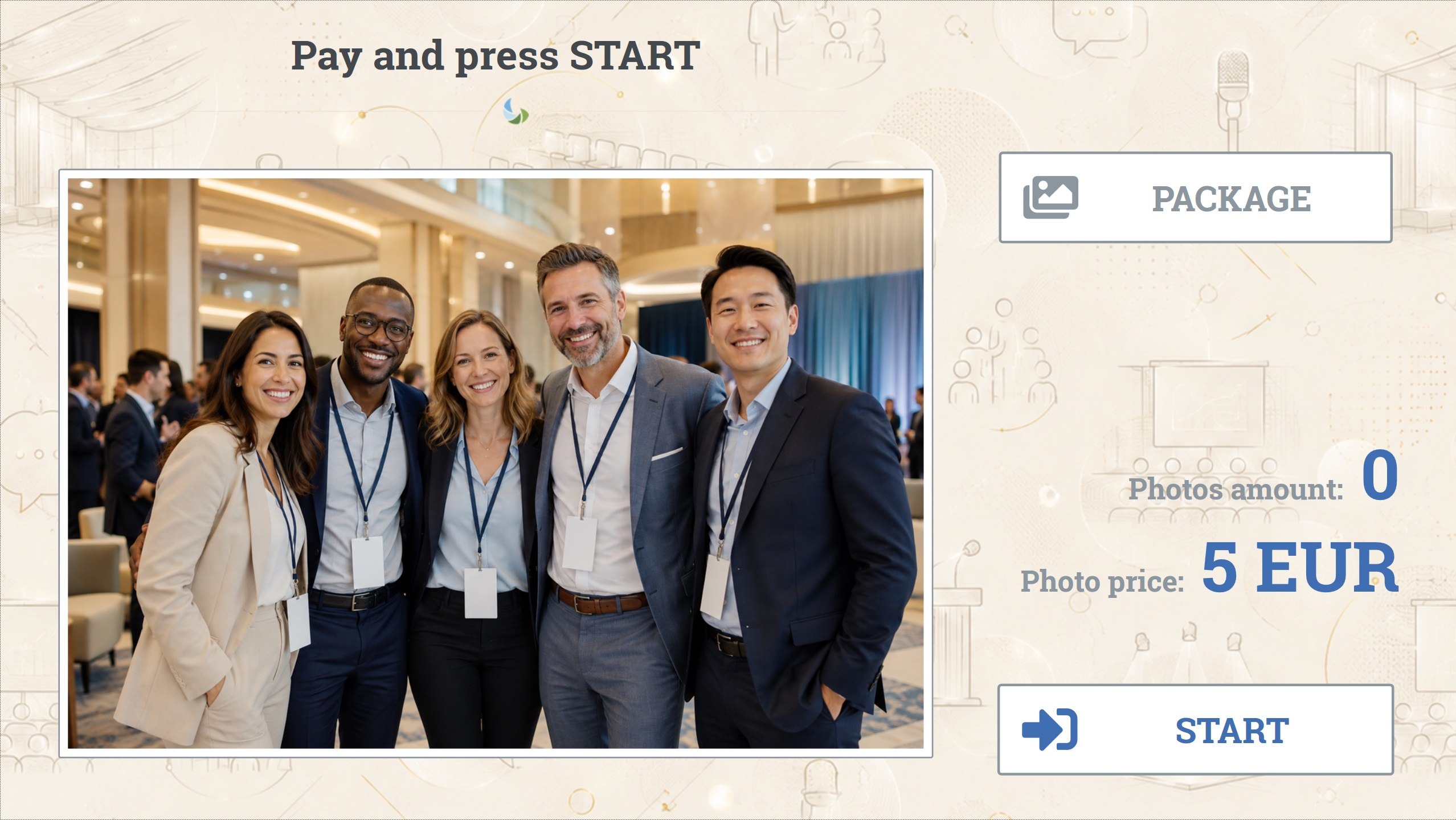
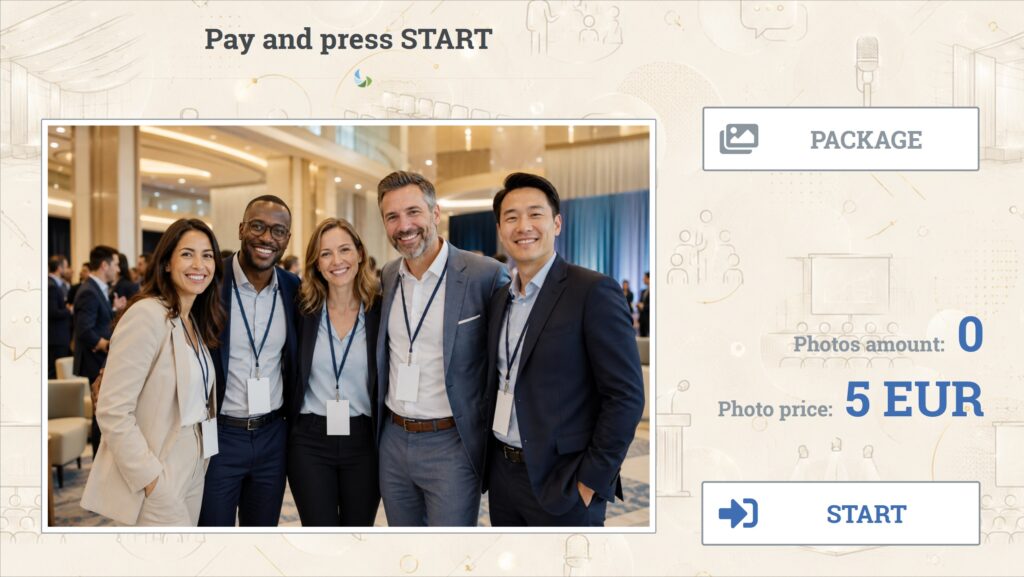
The start screen the customer sees at the device
What it does
Card and BLIK onlyA payment terminal driven by the program. No coin unit, no bill reader, no cash box.
Promotional packageYou can add a package or personalisation to a single transaction — with no separate cash price list.
Adverts between sessionsThe screen works even when nobody is taking pictures.
Photos and printingA camera, a collage from a template and a print from the dye-sublimation printer.
Less to serviceNo jammed coins, no full cash box — the commonest reasons for driving out to the booth disappear.
Fully remote settlementSince the money comes through the terminal, the daily report is the whole picture of the takings.
How it differs from the other versions
What sets it apart from the full earning version is the absence of cash and of photo sharing. If the booth should take coins and notes, use Fotillo PhotoBooth Vending. If it should not charge at all — Fotillo PhotoBooth.
Photos and the internet
The terminal and the printer work locally, so a brief network outage does not stop sales. The internet is needed to authorise payments and for the reports.
3Choose a theme: seventeen themes for specific venues — conference centre, hotel, university, shopping centre and more.
4Tick the functions: Card / BLIK payment, Promotional package / personalisation, Camera / EOS camera, Printer (Citizen / DNP), Animations / Adverts.
5Enter your e-mail address and download the package. The program starts in DEMO mode — it runs with no time limit, and prints carry a trial-version mark.
Without a coin unit the entry cost is lower, and the activation code stays the only cost that grows with turnover. You buy the code in the Tokens section; it is tied to one computer, and the configurator shows the price as you tick the functions.
Templates and appearance
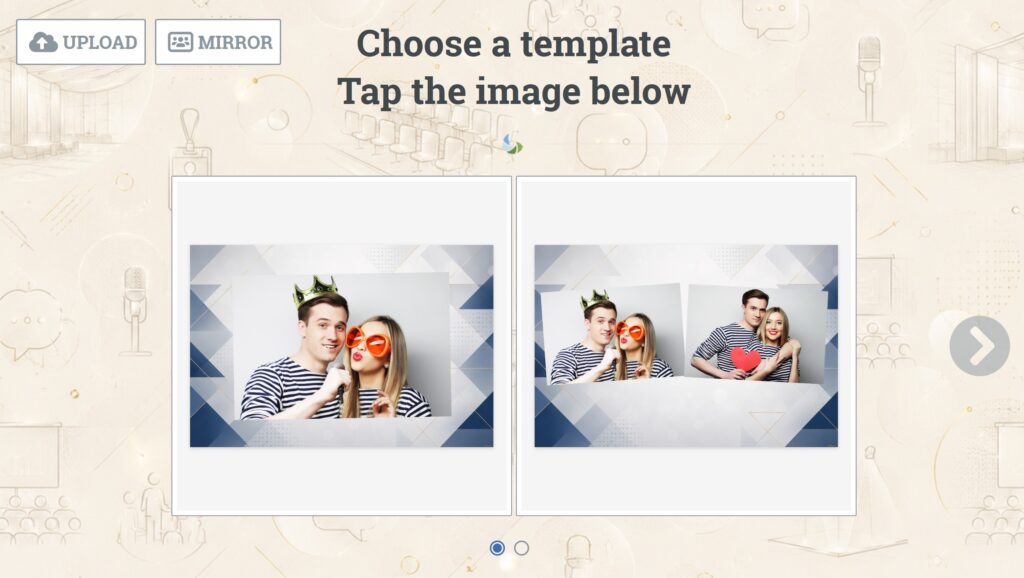
In an office building or a university a frame with the venue’s logo works well — often it is the condition for putting the machine there at all. You will find more designs in the Templates section, and you can build your own in the template editor — a browser tool where you lay out the frames, add a background and captions, then upload the finished file to the device. No graphics software needed.
Sample collages from the templates included in this version
CameraCanon EOS DSLR and mirrorless bodies supported through the Canon EDSDK. A USB camera works too — image quality then depends on the camera.
PrinterDye-sublimation Citizen CY and CY-02, DNP DS-RX1 and DS-RX1 HS — with these the program reads the paper level and warns you before it runs out. It will also print on any printer set as the Windows default, but without media status.
TerminalA payment terminal handling cards and BLIK, driven by the program. Amount sets are configured separately for single payments and packages.
ScreenA touch monitor. Screen layout, margins and on-screen keyboard position are adjusted in the service menu.
SystemWindows 11, 64-bit. Network functions — photo sharing, the Album, reports — need an internet connection.